


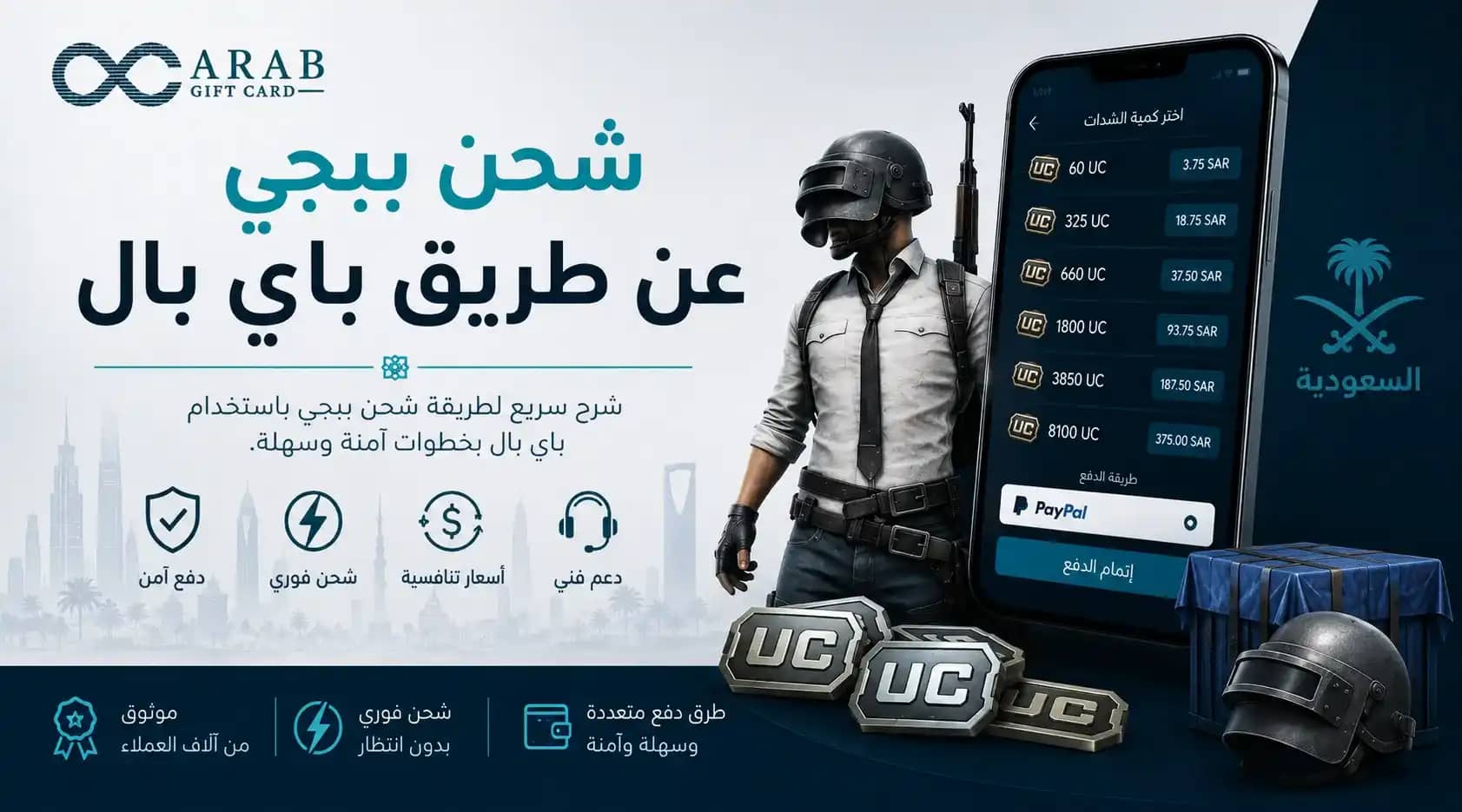
Purchasing PUBG Mobile Unknown Cash (UC) via PayPal is a popular choice for gamers seeking a secure checkout without exposing their banking credentials. However, for players in Saudi Arabia, the real question is whether PayPal is the most cost-effective and practical method compared to local options like mada and STC Pay.
While PayPal is an international payment standard, it may not appear as a payment method for all Saudi accounts and can incur currency conversion fees. For the fastest, hassle-free top-up, official digital codes from Arab Gift Card offer direct payments via mada with instant SMS code delivery.
How to Top Up PUBG Mobile UC via PayPal
The primary official channel supporting PayPal is Midasbuy (by Tencent), where PayPal is listed under international payment gateways for specific regions.
Go to the official Midasbuy portal and select PUBG Mobile.
Enter your Player ID correctly.
Select your desired UC denomination.
Choose PayPal as the payment method, log in to your wallet, and authorize the transaction.
The UC balance updates in your game account immediately upon payment confirmation.
Note: PayPal availability on Midasbuy depends on account regional settings. If PayPal is unavailable for your region, purchasing a digital code locally bypasses this restriction entirely.
PUBG Mobile UC Pricing in SAR (PayPal vs. Local Payments)
UC pack values remain standardized, but paying via PayPal in USD may incur minor foreign exchange (FX) spreads and processing fees.
Estimated prices below include 15% VAT:
UC Denomination | Estimated Price (SAR) | Best For |
60 UC | 3 – 4 SAR | Small in-game purchases / event draws |
325 UC | 18 – 20 SAR | Monthly Royale Pass (RP) activation |
660 UC | 36 – 39 SAR | Crates, weapon upgrades, and character skins |
1,800 UC | 96 – 99 SAR | Royale Pass Plus & high-tier cosmetics |
Tip: Local direct payments in SAR prevent unexpected FX fees on larger UC bundles.
Local Saudi Alternatives: STC Pay & Direct Carrier Billing
If PayPal is unavailable or adds unwanted conversion fees, Saudi Arabia offers seamless local alternatives:
STC Pay: Fast in-app digital wallet checkout directly integrated with Midasbuy.
Direct Carrier Billing (Sawa / STC, Mobily, Zain): Deducts the UC purchase value directly from your prepaid mobile balance without requiring a bank card.
mada Instant Codes: Buy pre-generated official digital vouchers from Arab Gift Card using mada and redeem them via Player ID in seconds.
Is Using PayPal Worth It in KSA?
Metric | PayPal Checkout | Local Methods (mada / STC Pay / Digital Codes) |
Regional Availability | Limited to specific account regions | Universally available across KSA |
Currency Fees | Possible USD/SAR conversion markup | Zero conversion fees (charged strictly in SAR) |
Data Privacy | Protects bank card info | Complete privacy via SMS digital codes |
Checkout Speed | Requires multi-factor wallet login | 1-click checkout or instant SMS delivery |
If you have an existing PayPal balance you wish to spend, using PayPal is a viable route. However, for everyday top-ups starting with SAR funds, local payment methods deliver transparent pricing with zero foreign exchange overhead.
Account Security & Anti-Fraud Guidelines
Never Share Credentials: UC top-ups require only your Player ID. Never provide your game password or social login details.
Official Gateways Only: Enter PayPal credentials strictly on official URLs (e.g., Midasbuy or verified regional merchants).
Beware of "Free UC" Scams: Unofficial generators and third-party credential harvesters frequently lead to permanent account bans or financial fraud.
Verify Player ID: Always double-check your numerical Player ID before confirming payment to prevent crediting the wrong account.