

Add Arab Gift Card to your home screen for app-like access and faster browsing.

Read more

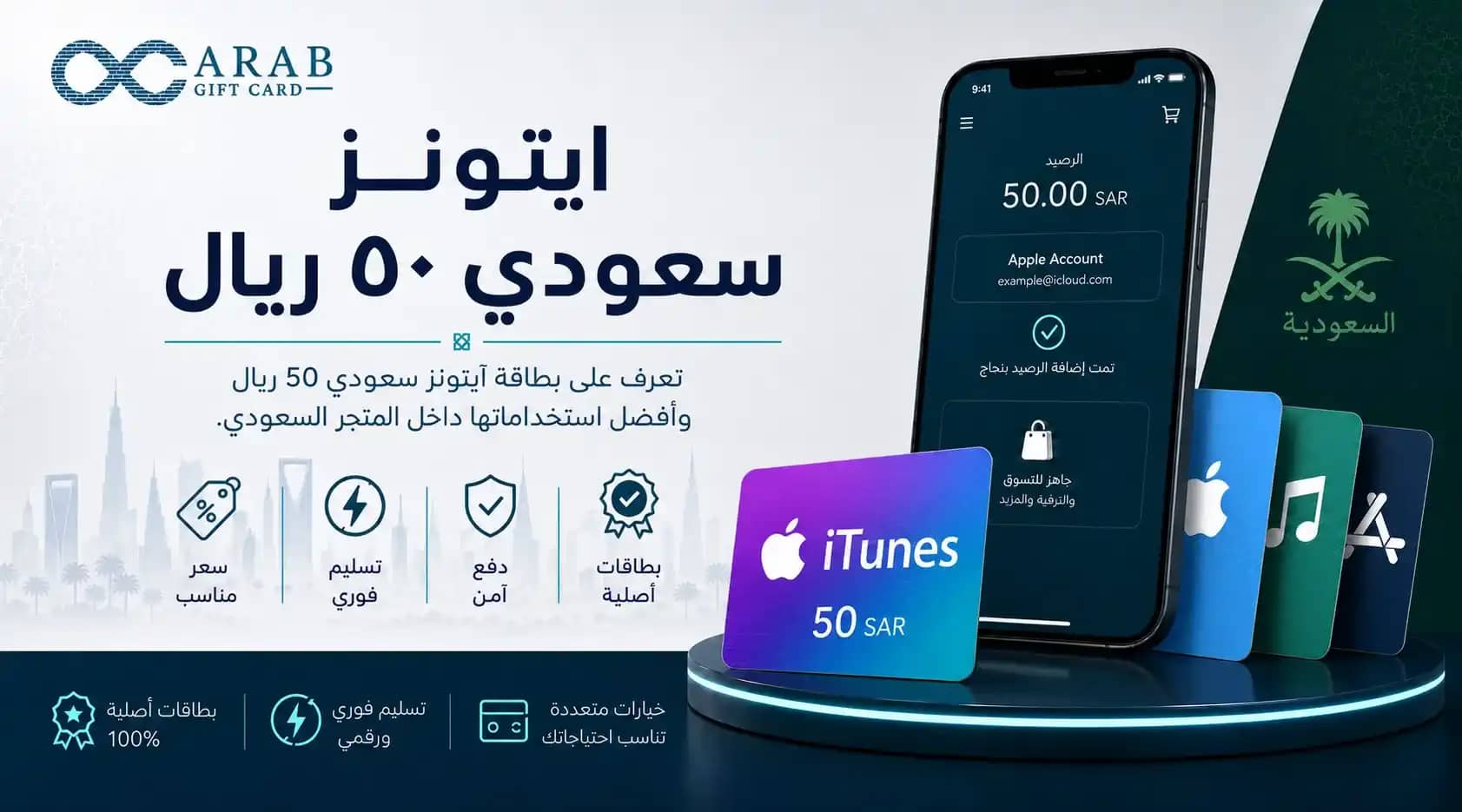
    iTunes Saudi 50 SAR

    ايتونز سعودي ٥٠ ريال

    Buy a iTunes Saudi 50 SAR card from Arab Gift Card and get your code instantly by SMS, with secure Mada and STC Pay checkout across Saudi Arabia today.

    The SAR 50 denomination is one of the most popular and widely used iTunes gift card values in Saudi Arabia, as it is suitable for covering most monthly subscriptions and activating essential digital services. Users are always looking for the best way to buy a SAR 50 Saudi iTunes card to ensure they receive a valid and guaranteed code that can be added directly to their Apple wallet without any technical issues.

    A trusted digital store gives you a safe and simple purchasing experience. Arab Gift Card is one of the convenient options for Saudi users who want to receive official codes instantly and easily.

    Best Websites to Buy a SAR 50 Saudi iTunes Card

    When deciding where to buy, you should choose a digital platform with strong credibility and full protection for your financial data. Digital card services are available through many local platforms, including Jarir’s SAR 50 iTunes card options, where iTunes cards are sold in physical branches. However, digital purchasing remains the fastest and most convenient option for many users.

    The best website is the one that offers a fair price aligned with the official card value, including VAT, without exaggerated markups, while also supporting national payment gateways. Arab Gift Card aims to provide this experience in a smooth and trustworthy way, ensuring that you receive an official and approved SAR 50 Saudi iTunes code that works immediately once entered on your device. The store also supports local payment options such as Mada to provide the highest levels of convenience and security.

    How to Redeem a SAR 50 iTunes Code on Your Saudi Account

    Redeeming the code and converting it into balance inside your account is very simple and only requires a few steps from your smart device.

    To start, copy the digital code you received from our store, then open the App Store app on your iPhone. Tap your profile picture at the top of the screen and choose “Redeem Gift Card or Code.” Paste the 16-character code into the dedicated field and tap the redeem button. The SAR 50 balance will then be added directly to your Apple ID wallet and become ready for immediate use in your upcoming purchases.

    In this article, we will also explain in detail how to redeem an iTunes card on iPhone step by step.

    Uses of a SAR 50 iTunes Card Balance in the Apple Store

    A SAR 50 balance gives you good flexibility to benefit from a variety of paid services and applications inside the Saudi Apple Store. Here are some of the best ways to use this balance wisely:

    Renewing your iCloud storage subscription for several months to keep your files and photos safe.

    Activating a monthly Apple Music subscription to enjoy albums and music without ads.

    Buying paid games or small add-on bundles inside popular games.

    Purchasing productivity apps or professional photo and video editing tools.

    Paying for subscriptions in some entertainment apps that support payment through Apple’s system.

    Difference Between a SAR 50 Saudi iTunes Card and a US iTunes Card

    Some users make purchasing mistakes because they do not distinguish between digital store regions, which may prevent the code from being redeemed successfully. We have summarized the main differences between the SAR 50 Saudi card and its equivalent in the US store in the simple table below:

    Comparison Point

    SAR 50 Saudi iTunes Card

    USD 50 US iTunes Card

    Accepted Currency

    Saudi Riyal (SAR)

    US Dollar (USD)

    Account Compatibility

    Works only with Saudi accounts

    Requires an account registered in the United States

    Supported Content

    Apps and games available in the Saudi local store

    Full US store library

    Recommended Purchase Method

    Buy SAR 50 iTunes card with Mada

    Buy USD cards through authorized stores

    Importance of Matching the Currency and Region Before Purchase

    Choosing a gift card that matches your account region is the only guarantee for successful redemption. Apple applies strict policies that prevent using different currencies inside local accounts. Therefore, you should always make sure your account is set to Saudi Arabia before ordering a code in Saudi Riyals.

    To review the official instructions and terms of use, you can visit Apple’s official support page for redeeming digital codes and check all legal and technical details related to your account.

    Benefits of Digital Top-Up from Arab Gift Card

    When you choose our store, you get a service carefully designed to meet your expectations and save your valuable time in a reliable and smooth way. In addition, the store also provides some of the most affordable US iTunes cards available in Saudi Arabia.

    We make sure to provide our customers with official codes sourced from authorized suppliers, helping protect your account from any technical risks. Thanks to an efficient automated delivery system that operates 24/7, you will receive your top-up code directly via SMS as soon as the payment is completed. This gives you a comfortable shopping experience that allows you to recharge your balance and continue your digital activities anytime and from anywhere in Saudi Arabia.

    Browse all iTunes cards now and buy in a safe, reliable, and convenient way.

    Frequently Asked Questions About “SAR 50 Saudi iTunes Card”

    Choose a SAR 50 Saudi iTunes card from Arab Gift Card and receive your code instantly via SMS, with local payment options such as Mada and STC Pay, so you can enjoy a safe and convenient top-up experience that meets your needs.


    Frequently asked questions