




-4%
Binance USDT Gift Card $500
2160.00SAR2250.00SAR
Add Arab Gift Card to your home screen for app-like access and faster browsing.
How to add Arab Gift Card to your home screen
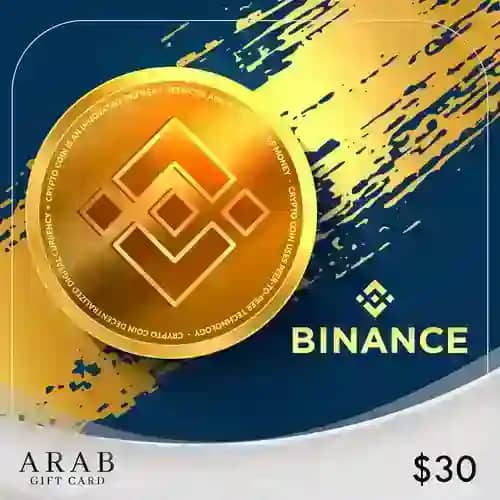
Buy a Binance Gift Card – USDT from Arab Gift Card and recharge your Binance account safely and quickly. Receive the card code instantly and use it to add USDT balance to your account or send it as an electronic gift.





Step 1
Log in to your account on the Binance platform.
Step 2
From the top menu, go to (Profile) and then select (Gift Card)
Step 3
On the Gift Card page, click the (Redeem) button and select (Redeem)
Step 4
Enter the card code in the (Add) field
Popular Categories
Roblox Cards |
PlayStation Cards |
Bg Cards |
Netflix Cards |
Zain Cards |
Yalla Ludo Cards |
PUBG Mobile Cards |
iTunes Cards |
Home Box Cards |
TikTok Cards |
sawa Cards |
Abdul Samad Al Qurashi Cards |
Almosafer Cards |
Amazon Cards |
Apex Legends Cards |
Body Masters Cards |
Carrom Gold Cards |
Conquer Online Cards |
Ebay Cards |
eXtra Cards |
FC Mobile Cards |
FRiENDi mobile Cards |
Google Play Cards |
SACO Cards |
Razer Gold Cards |
Gate IO Cards