
Add Arab Gift Card to your home screen for app-like access and faster browsing.

Read more

We apologize for a temporary technical issue with the WhatsApp service. For direct support, please use the live chat service on our website.

    How do I top up an iTunes card on my iPhone?

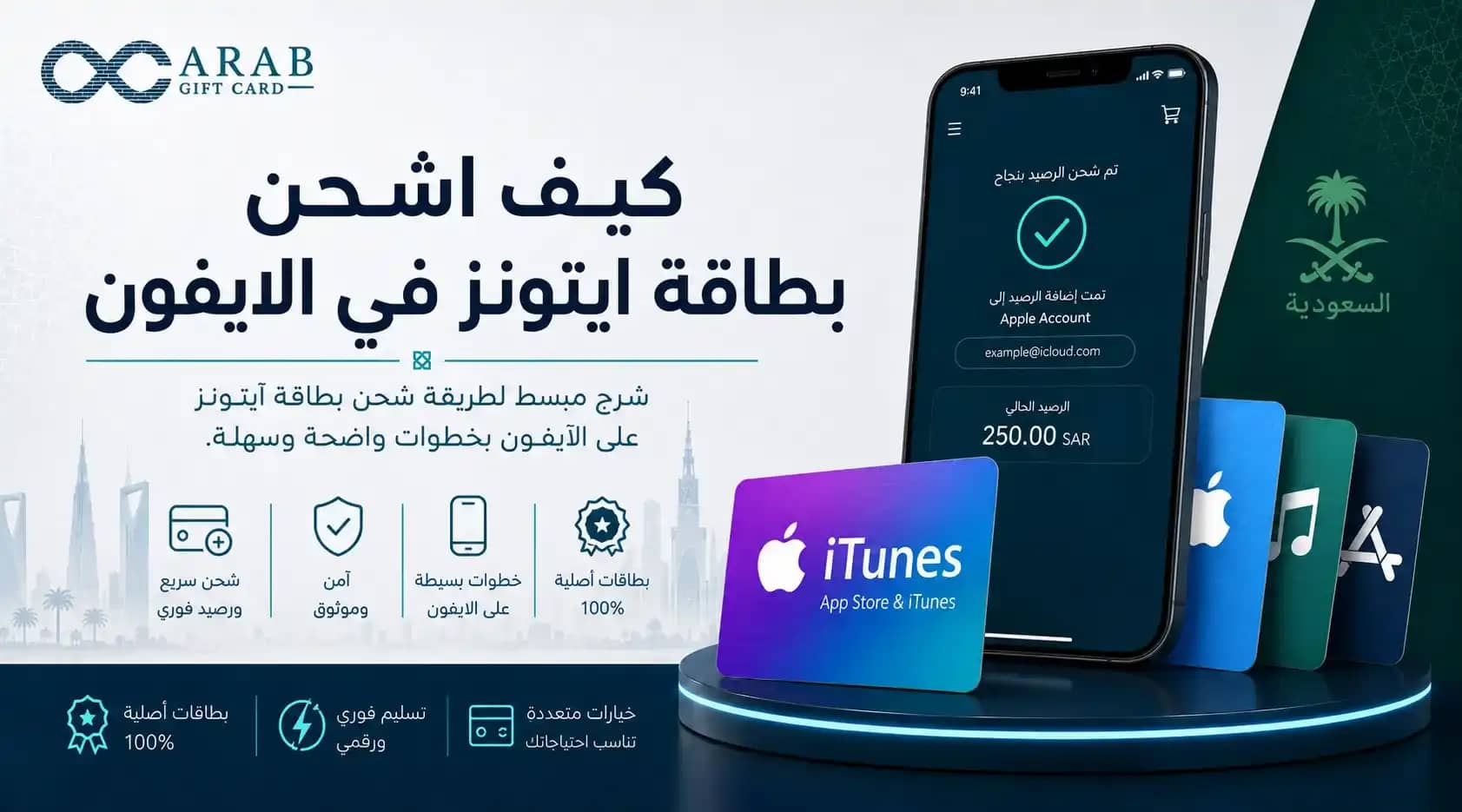
    كيف اشحن بطاقة ايتونز في الايفون

    Learn "How do I top up an iTunes card on my iPhone?" in Saudi Arabia with a simple step-by-step guide to redeem balance on Apple ID quickly and easily.


    Many Apple device users are looking for a clear answer to the question of how to top up an iTunes card on an iPhone to ensure the balance is added correctly. Apple gift cards are a convenient way to activate subscriptions and manage spending without relying on bank cards for every transaction. By understanding how to redeem an iTunes card on iPhone, you can top up your account with ease and flexibility.

    The Arab Gift Card store provides a suitable option to obtain these cards, offering a smooth shopping experience and instant code delivery, allowing you to start using your balance immediately.

    How to top up an iTunes card on iPhone in detail

    To correctly understand how to top up an iTunes card on an iPhone, you need to use the App Store application available on your device. Once you receive the digital code, you can easily add the balance by following these steps:

    • Open the App Store on your iPhone home screen.

    • Tap your profile picture or account icon at the top of the screen.

    • Select “Redeem Gift Card or Code” from the menu.

    • Choose the “Enter Code Manually” option.

    • Copy the 16-character alphanumeric code and paste it into the required field, then tap “Redeem” to update your balance.

    Saudi iTunes top-up method

    When considering purchasing an iTunes card for the local market, you must ensure compatibility with your account settings. The Saudi iTunes top-up process does not differ technically, but the key requirement is that your Apple ID must be registered in Saudi Arabia. Once the card is activated, the balance will be added in Saudi riyals, making it ready for purchases in the local currency.
    How to recover iTunes balance safely

    In some cases, users may need to manage remaining balances or accidental charges. It is important to know that redeemed balance cannot be withdrawn back to a bank account in cash. However, if a purchase was made by mistake or a technical issue occurred, you can request a refund through Apple’s official “Report a Problem” page. If approved, the refunded amount is returned to your Apple account balance.

    You can get the right iTunes card from Arab Gift Card store, with instant SMS delivery and support for local payment methods such as Mada.

    How to redeem iTunes cards on Android

    Some users assume iTunes balance is only for iPhones, but redemption is also possible on Android devices for those using Apple services. By downloading Apple Music from Google Play, users can sign in with their Apple ID, go to settings, and select “Redeem Code.” After entering the code, the balance is added and can be used for music subscription renewals.

    Steps to top up iTunes using balance

    Some users prefer topping up iTunes using direct payment options such as bank balance. When shopping through digital stores, you can choose the desired card value and pay using Mada. The amount is securely deducted from your local bank account, and you receive the digital code instantly. You can then redeem it by following the iPhone steps mentioned above for a smooth and secure experience.

    How to fix invalid or blocked code issues

    Sometimes a message may appear stating that the code is invalid. This usually happens due to incorrect copying or extra spaces. It may also occur if the card region (e.g., US) does not match the account region (e.g., Saudi). It is always recommended to ensure region compatibility before purchase and avoid repeated incorrect entries to prevent temporary Apple restrictions.

    FAQs about iTunes card redemption on iPhone


    For a smooth shopping experience, choose your iTunes card from Arab Gift Card store and enjoy instant SMS delivery with secure local payment options like Mada.


    Frequently asked questions